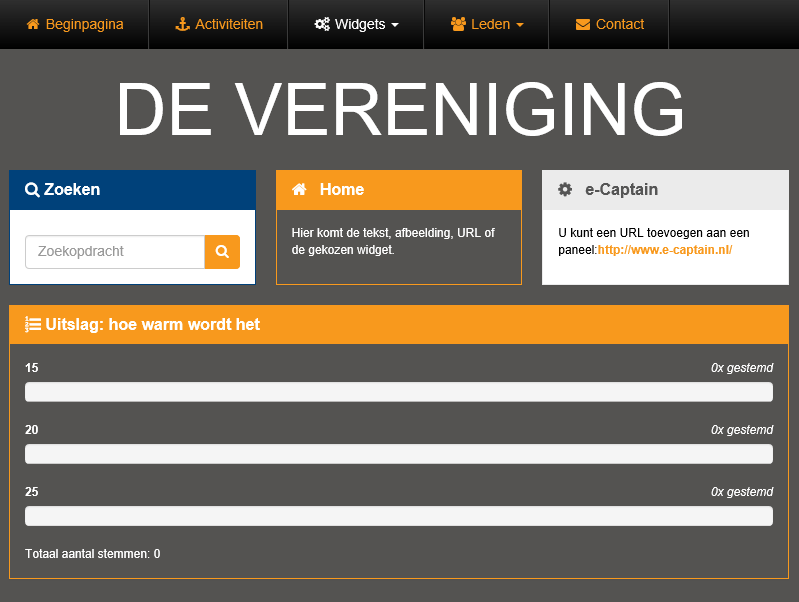
You can show some widgets (within Website management 2) in panels.
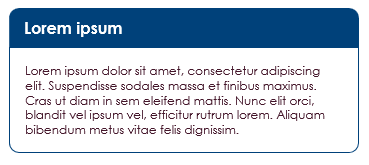
These information panels can be created in the e-Captain Managementcentrum or from the widget Informatiepaneel itself.

 |
Add panel |
 |
Edit panel |
 |
Delete panel |
icon to create a new panel.
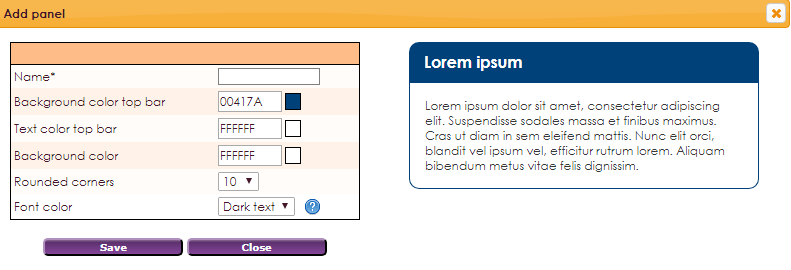
 |
Name of the widget |
 |
Choose background color top bar |
 |
Choose text color top bar |
 |
Choose background color |
 |
Choose border radius |
You have the option to put certain widgets in a panel. You will then see this:

icon to select or create a panel. 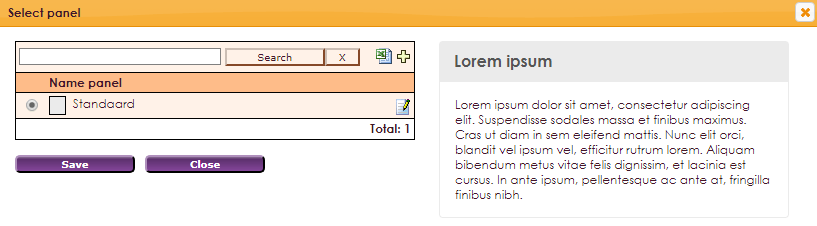
icon to create a new type of panel.
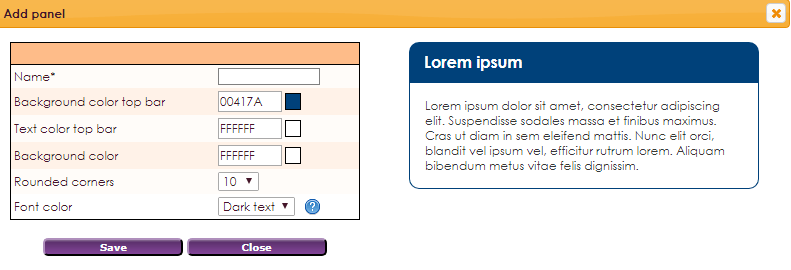
Create the panel according to your theme and save.